An interactive family tree
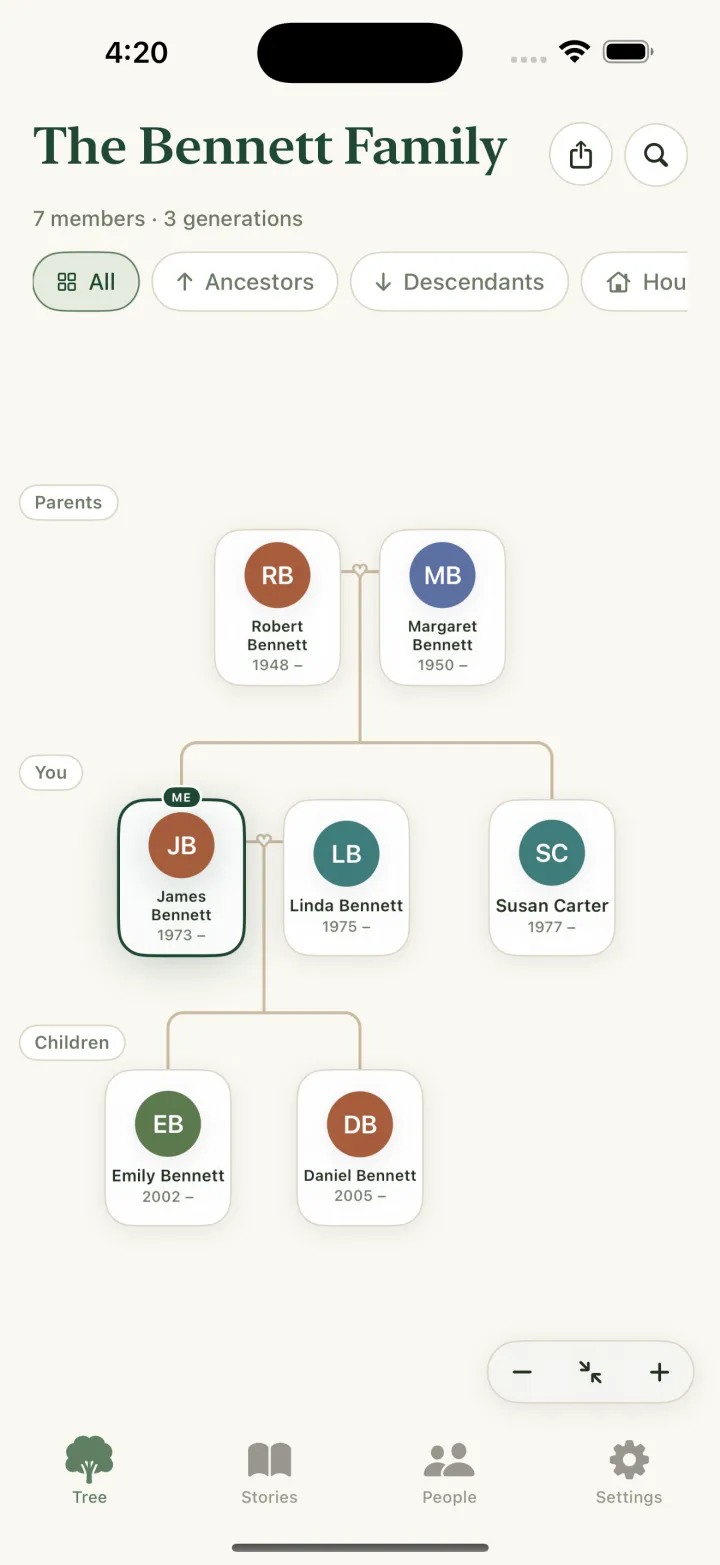
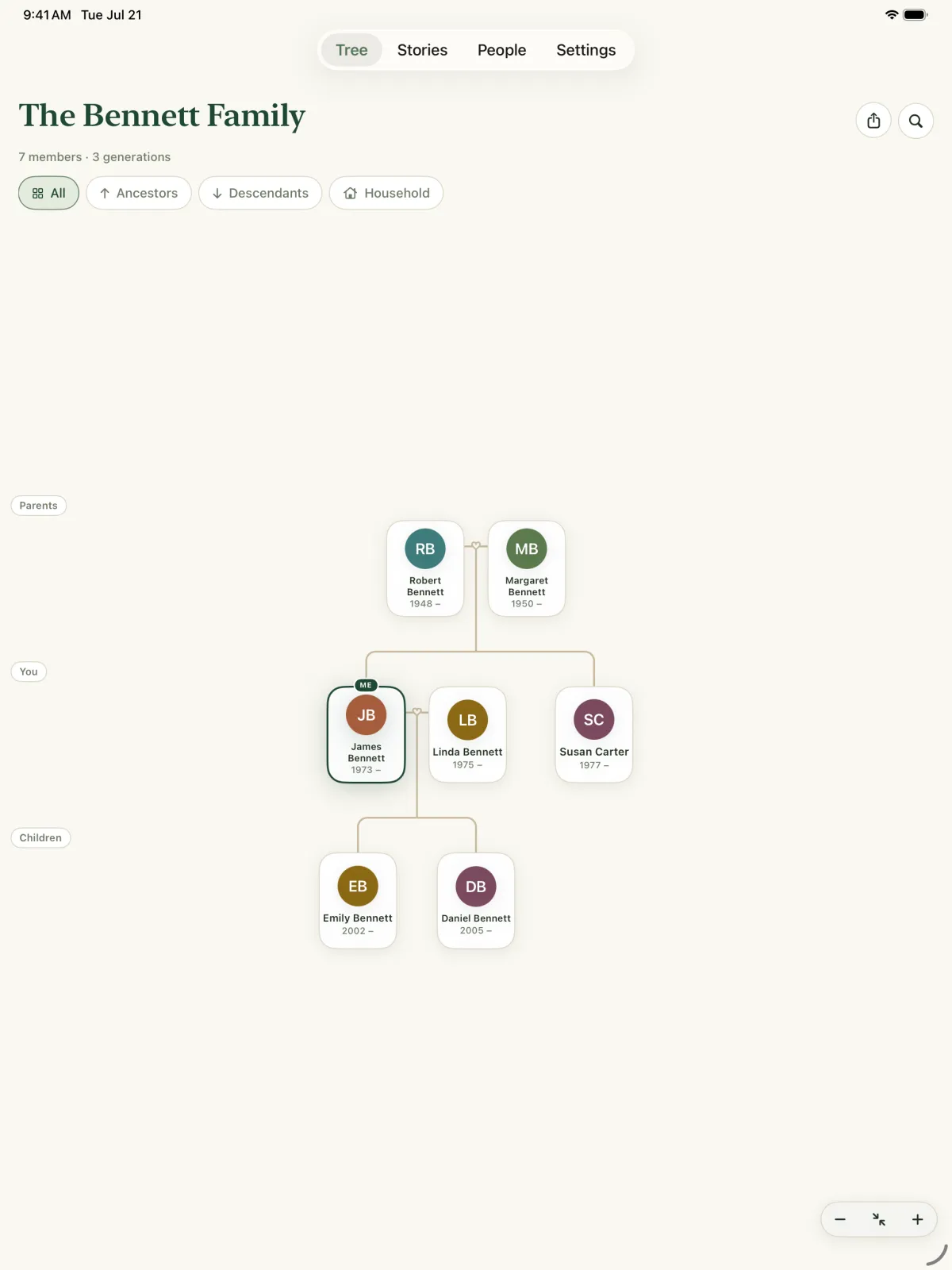
Pan and zoom across generations. Switch between the whole family, your ancestors, your descendants or just your household, and zoom out until everyone fits on one screen.
All↑ Ancestors↓ DescendantsHousehold
Family tree maker for iPhone & iPad
Kinly turns names, dates and memories into a living family tree. Add relatives, connect generations and keep your family’s story — privately, on your own devices.
Features
Designed so anyone can start — no genealogy experience required — and deep enough to hold five generations and more.
Pan and zoom across generations. Switch between the whole family, your ancestors, your descendants or just your household, and zoom out until everyone fits on one screen.
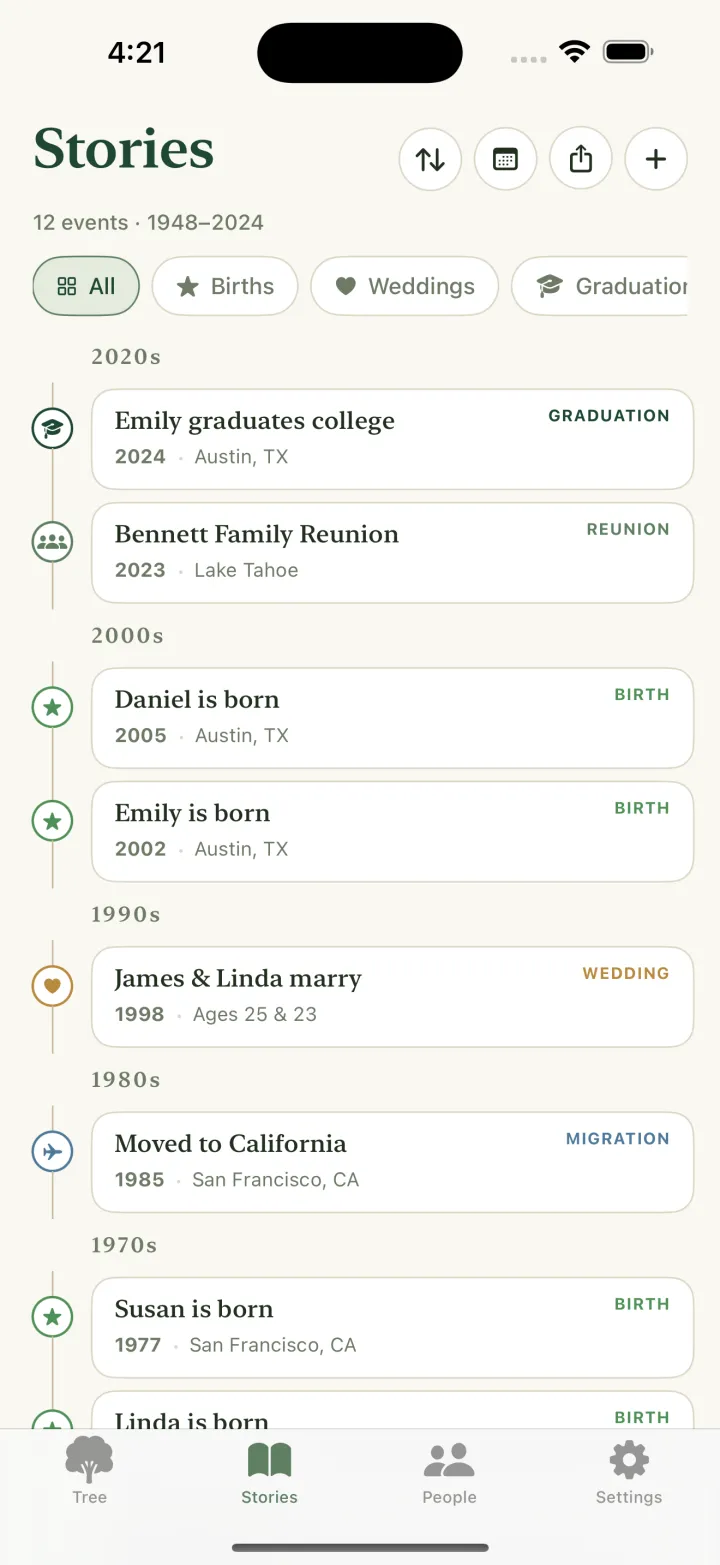
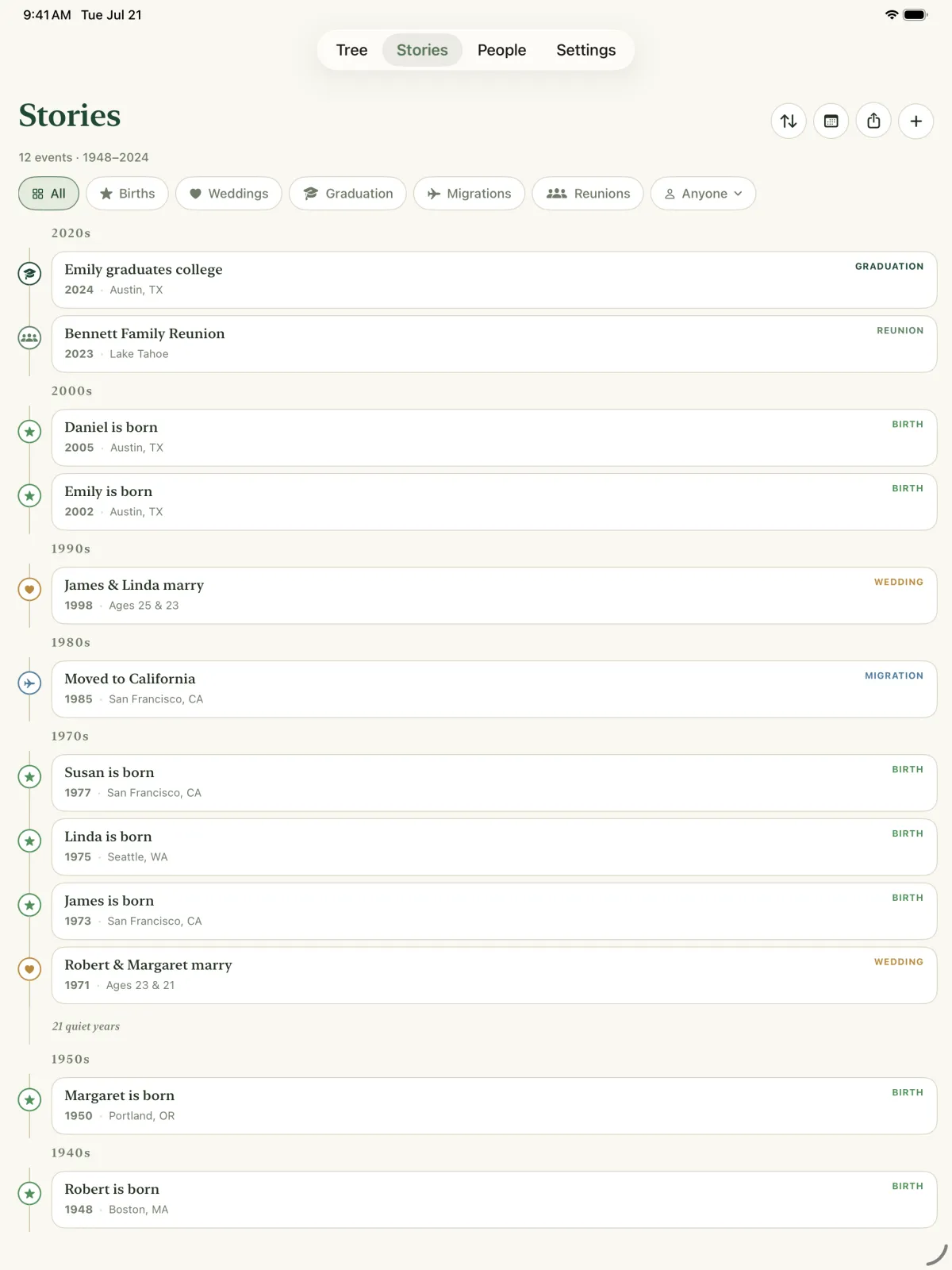
Births, weddings, graduations, moves and reunions, decade by decade — with places, photos and everyone who was there.
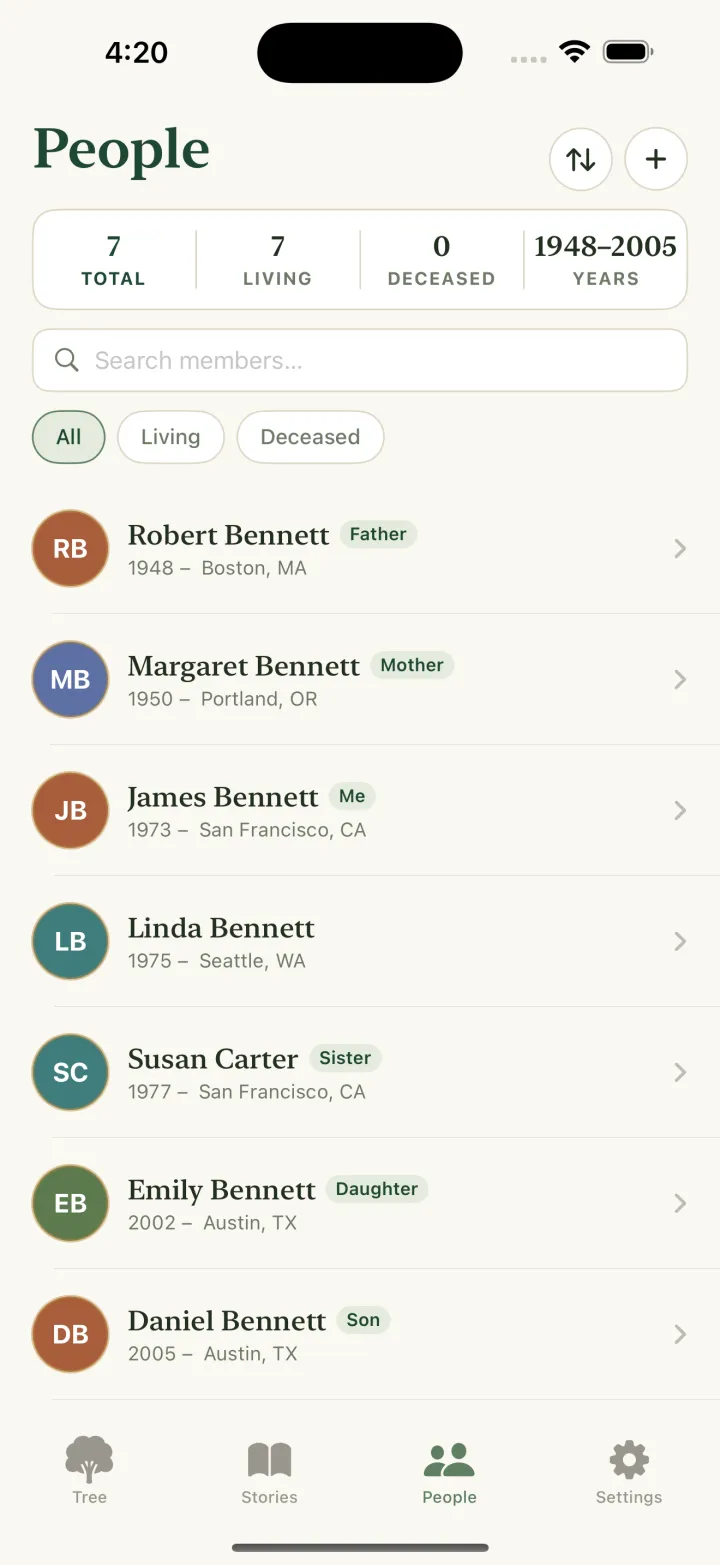
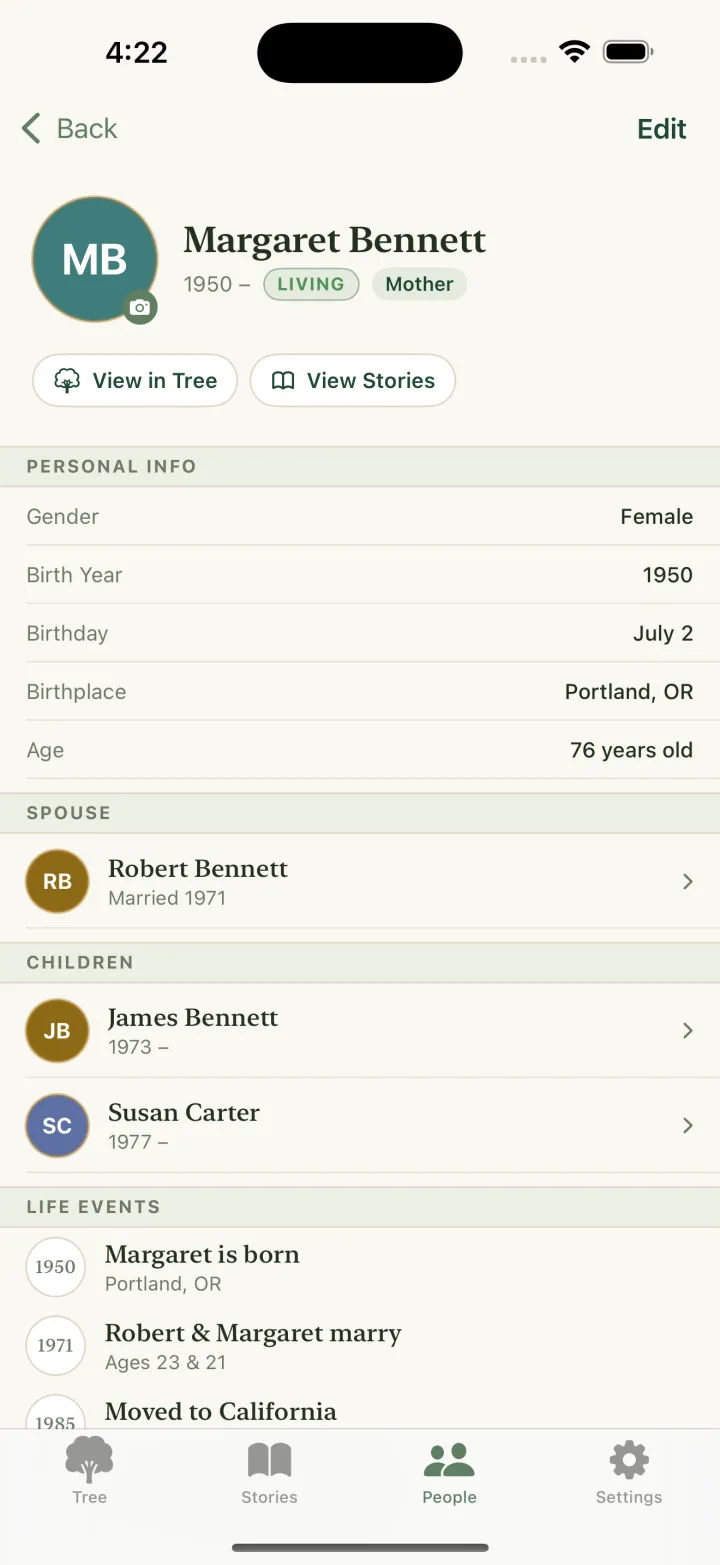
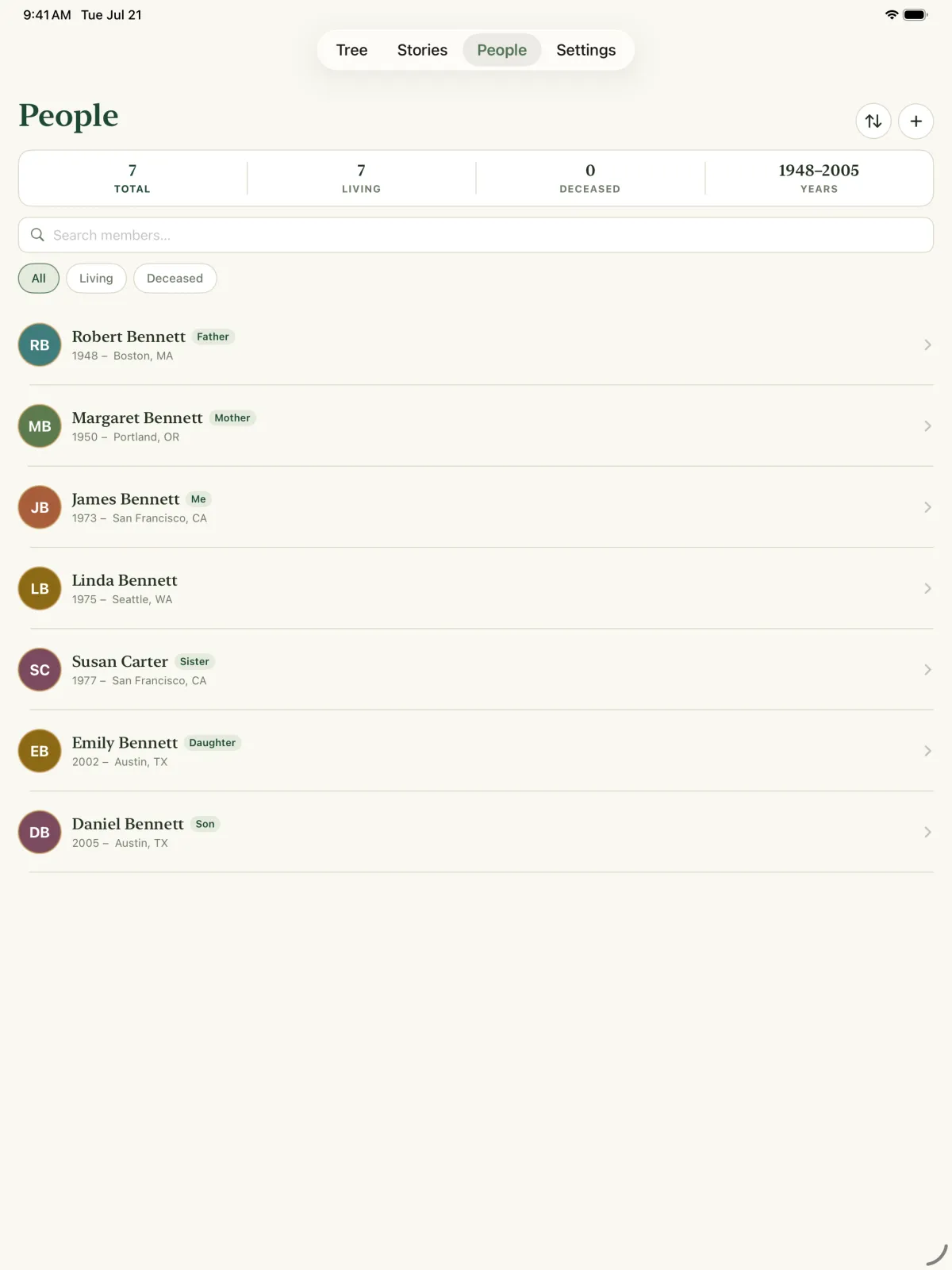
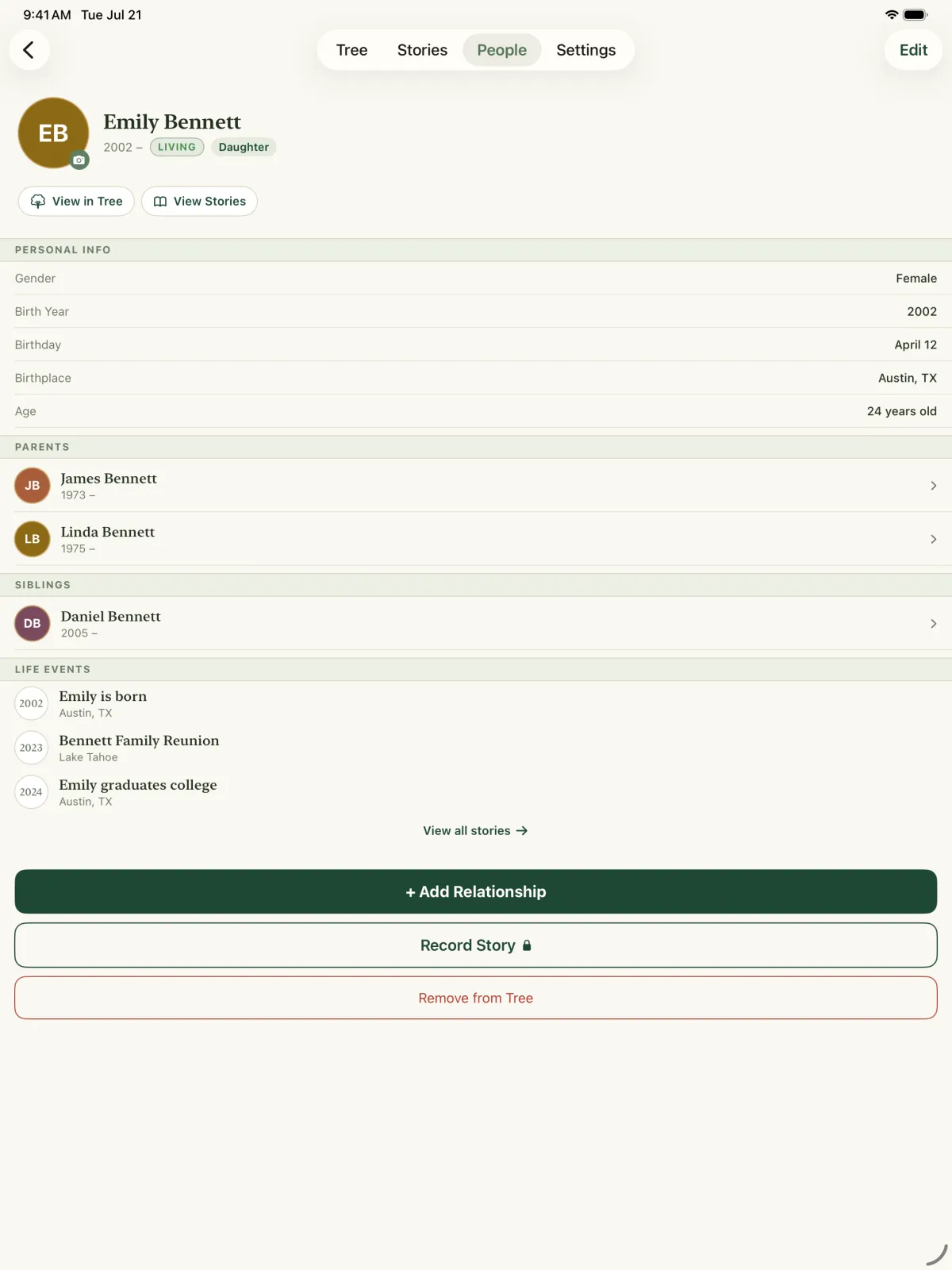
Photos, birth and death years, birthdays, birthplaces and notes. Choose the name order that suits your family.
Bring in a tree from another genealogy app, or back yours up in the standard format every family tree program can read. Your data never gets locked in.
Kinly checks every link as you add it, so your tree stays consistent — even after a big import.
A gentle note on the morning of each birthday and wedding anniversary, for the people who matter.
Your tree follows you between iPhone and iPad automatically, through your own iCloud account.
Export your tree as a poster image to share with relatives or print for the next reunion.
Kinship, worked out for you
Kinly names every relationship from the point of view of whoever is in the centre — father, aunt, granddaughter, mother-in-law — and blood relations always win over marriage shortcuts.
Tap anyone in the tree to see the family through their eyes.
Privacy
Big genealogy platforms keep your tree on their servers. Kinly keeps it on your devices and in your own iCloud — nowhere else.
How it works
Add your name and photo. Kinly puts you at the centre of the tree.
Add parents, children and spouses — or import a GEDCOM file you already have.
Your tree, kinship labels and family timeline fill in as you go.
Screenshots
Pricing
Build your first tree for free. If your family grows beyond it, choose a yearly plan or pay once — whichever you prefer.
Everything you need to begin.
For families that keep growing.
Members you’ve already added are never locked — even if you don’t upgrade.
FAQ
Something else? Write to lpgreat@gmail.com — a real person reads every message.
Yes. Kinly is free for a family tree of up to 10 people, with no time limit. Kinly Pro adds unlimited members, GEDCOM import and export, reminders and Stories, as a yearly subscription or a one-time purchase. Anything you have already added always stays unlocked.
On your device, and in your own private iCloud account so it syncs between your iPhone and iPad. Kinly has no servers of its own, no account sign-up, and no analytics or advertising SDKs.
Yes. Export a .ged file from almost any genealogy website or program and open it in Kinly. Imported people and relationships go through the same checks as ones you add by hand. You can export your whole tree as GEDCOM at any time, too.
Yes. Kinly’s tree can focus on everyone, on a person’s ancestors (a pedigree view), on their descendants, or on a single household, and it labels each relationship automatically.
Yes. Kinly runs on iPhone and iPad with iOS 17 or later, and your tree syncs between them through iCloud.
The app is translated into more than 20 languages, including English, Chinese, Japanese, Korean, German, French, Spanish, Italian, Portuguese, Dutch, Polish, Russian, Swedish and Turkish — kinship labels included.
Not yet. Kinly is made for iPhone and iPad.

Your family’s story is worth keeping. Kinly makes it easy to begin — and to keep it for good.